Best Offline AI Chatbot Apps for Android & iPhone (2026) — Compared
Quick answers:
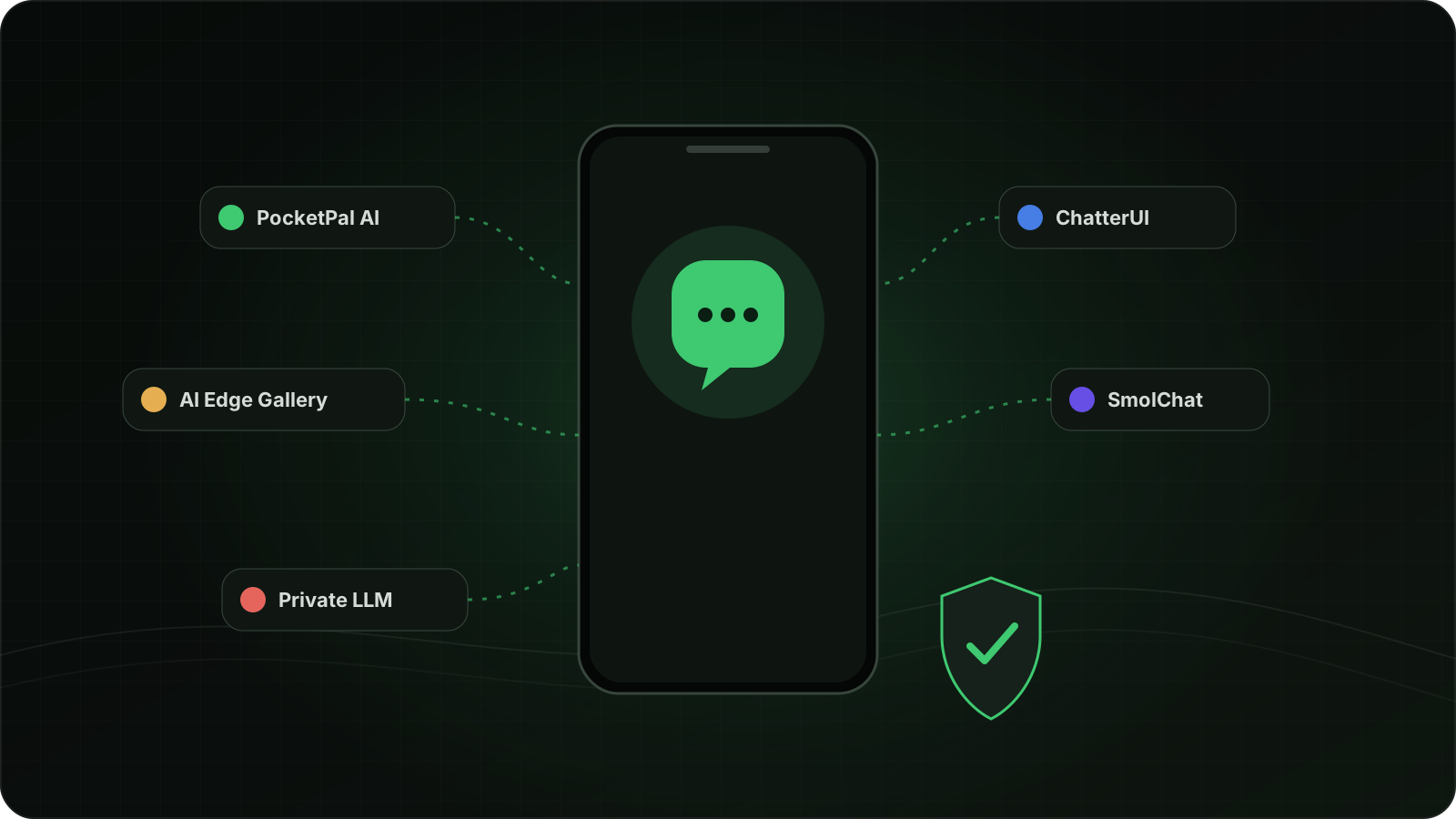
- Best for most people: PocketPal AI (free, open-source, iOS + Android, pulls models straight from Hugging Face)
- Best for tinkerers on Android: ChatterUI (deep sampler controls, character cards)
- Simplest "it just works": Google AI Edge Gallery (iOS + Android, Google's own app)
- You'll also need a model: the app is just the shell. See the by-phone-tier table below.
- These apps are designed to run model inference locally. Network use, downloads, and telemetry behavior can vary by app and version, so check the current privacy details before choosing one.
Why run AI offline?
Three reasons people switch: privacy (local inference can keep prompts on the device), lower ongoing cost, and offline access after the model has been downloaded.
The apps at a glance
| App | Platforms | Price | Model format | Open source |
|---|---|---|---|---|
| PocketPal AI | iOS · Android | Free | GGUF | ✓ MIT |
| ChatterUI | Android (APK) | Free | GGUF | ✓ AGPL-3.0 |
| Google AI Edge Gallery | iOS · Android · macOS | Free | LiteRT | ✓ Apache-2.0 |
| SmolChat | Android | Free | GGUF | ✓ Apache-2.0 |
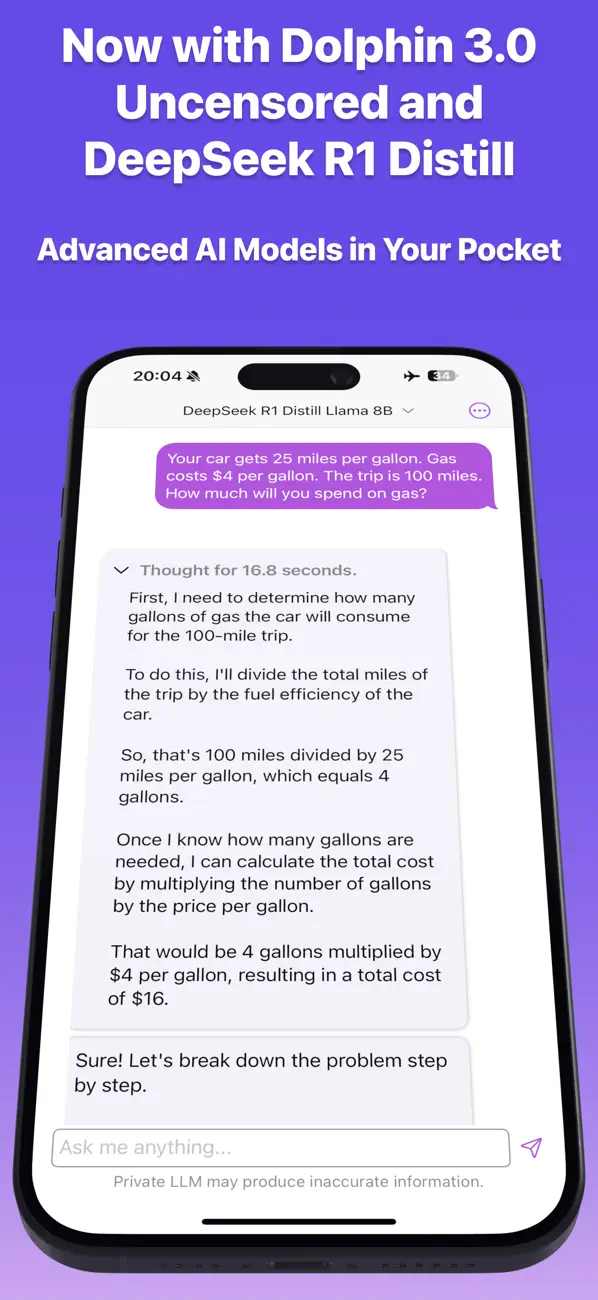
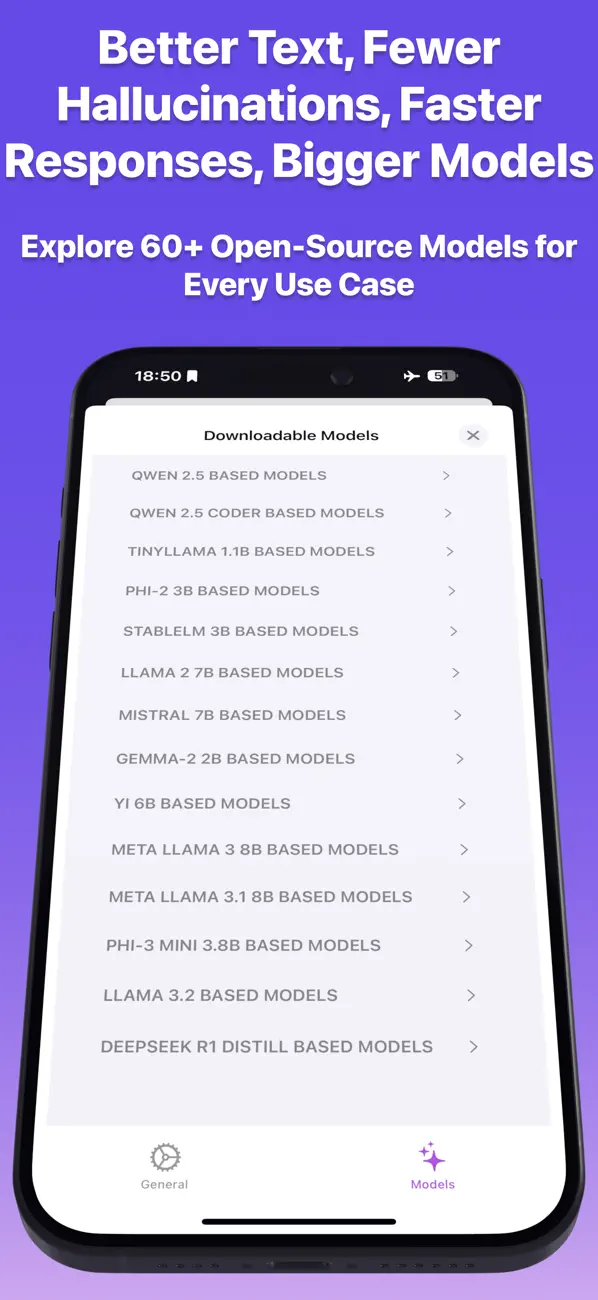
| Private LLM | iPhone · iPad · Mac · Vision Pro (Android beta) | One-time purchase | Curated catalog (OmniQuant) | ✗ Closed |
The apps
1. PocketPal AI — best overall (iOS & Android, free, open-source)
The community default for a reason: browse and download GGUF models (including gated ones) straight from the Hugging Face Hub inside the app, set up "Pals" (assistants with their own model and system prompt), and enable hardware acceleration on both platforms: Metal on iOS, GPU and Qualcomm Hexagon NPU paths on Android. Recent versions added on-device text-to-speech, basic tool calling, and a built-in benchmark that feeds a public phone leaderboard. No account is required for local chat; the app is free (an optional community marketplace sells premium assistant presets).
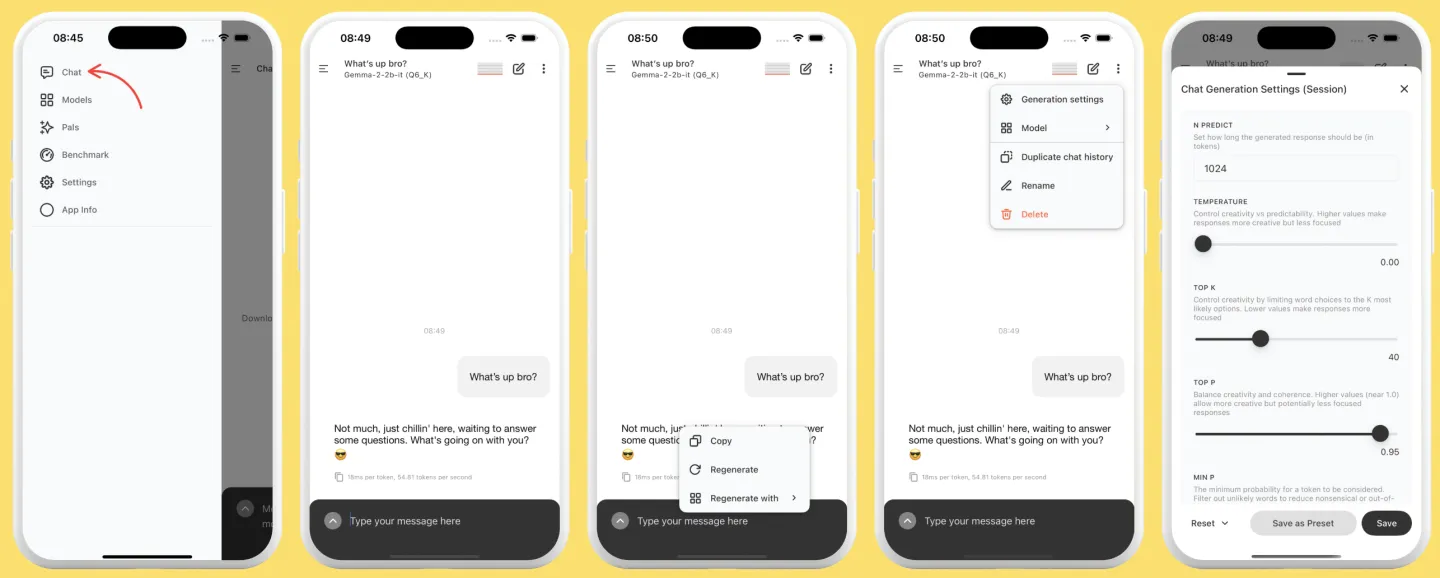
Get it: GitHub · App Store · Google Play
2. ChatterUI — best for power users (Android, free, open-source)
Full sampler panel, Character Card v2 support, and NPU/OpenCL acceleration on Snapdragon 8-series chips (added in v0.9.0, April 2026). Besides running GGUF models locally, its Remote Mode turns it into a mobile client for external backends (Ollama, koboldcpp, OpenRouter, OpenAI-compatible APIs). Rougher edges than PocketPal but more control. Android only, because the developer lacks iOS hardware; you install the APK from GitHub releases, as it's not on the Play Store.
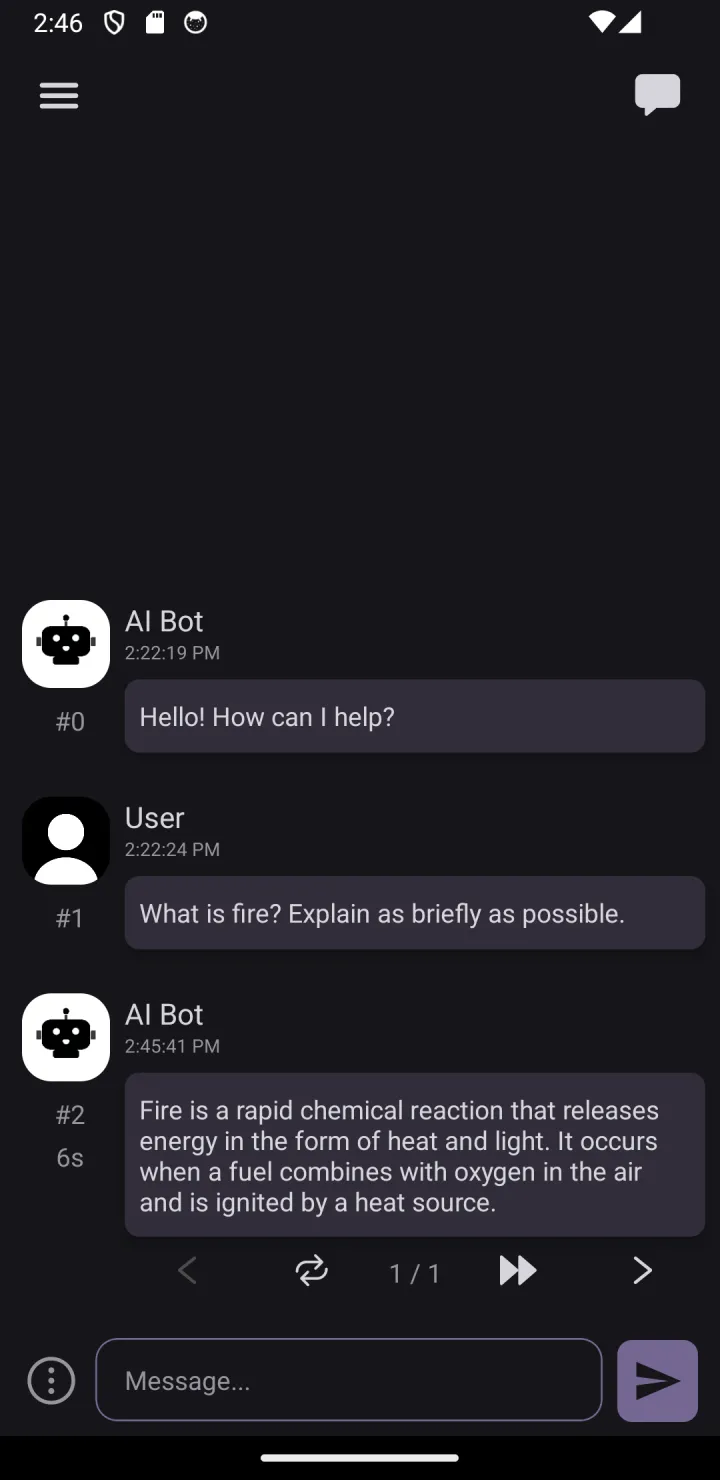
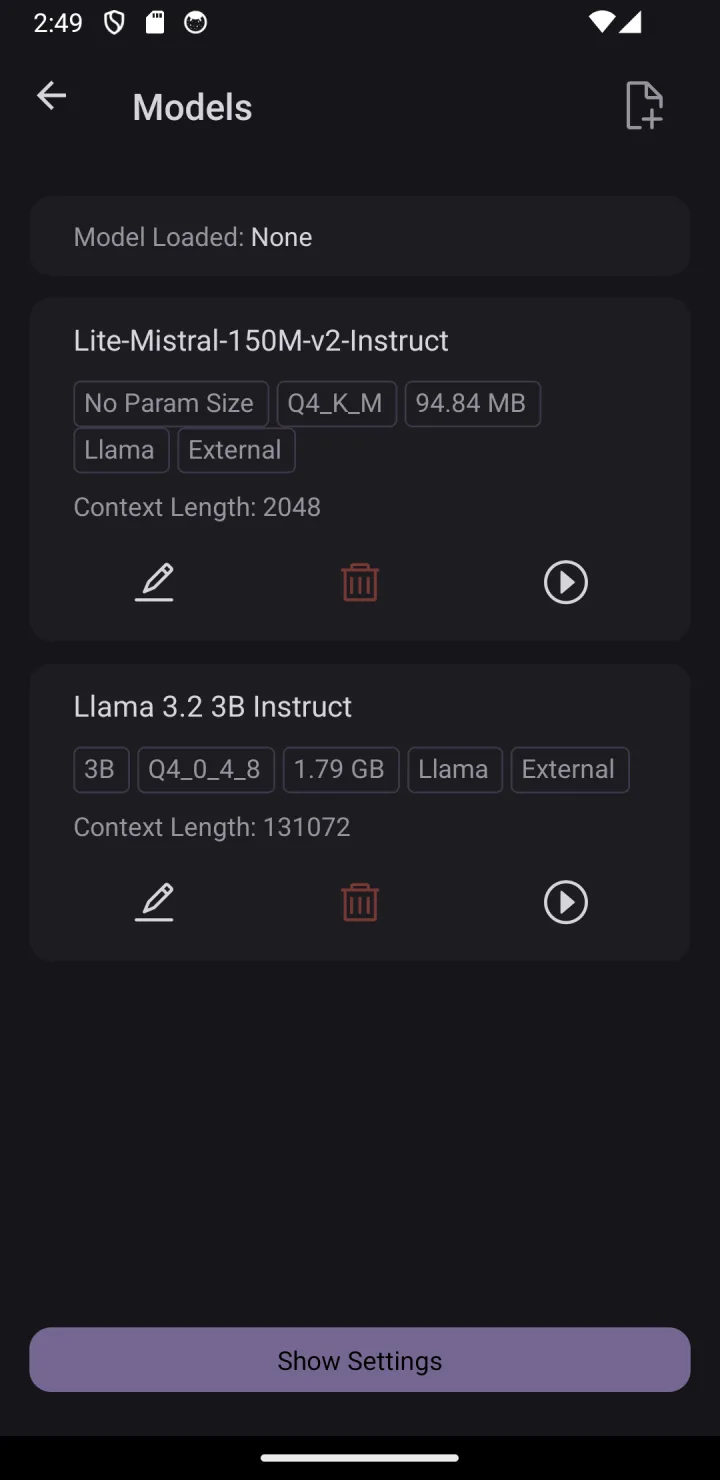
Get it: GitHub · APK releases
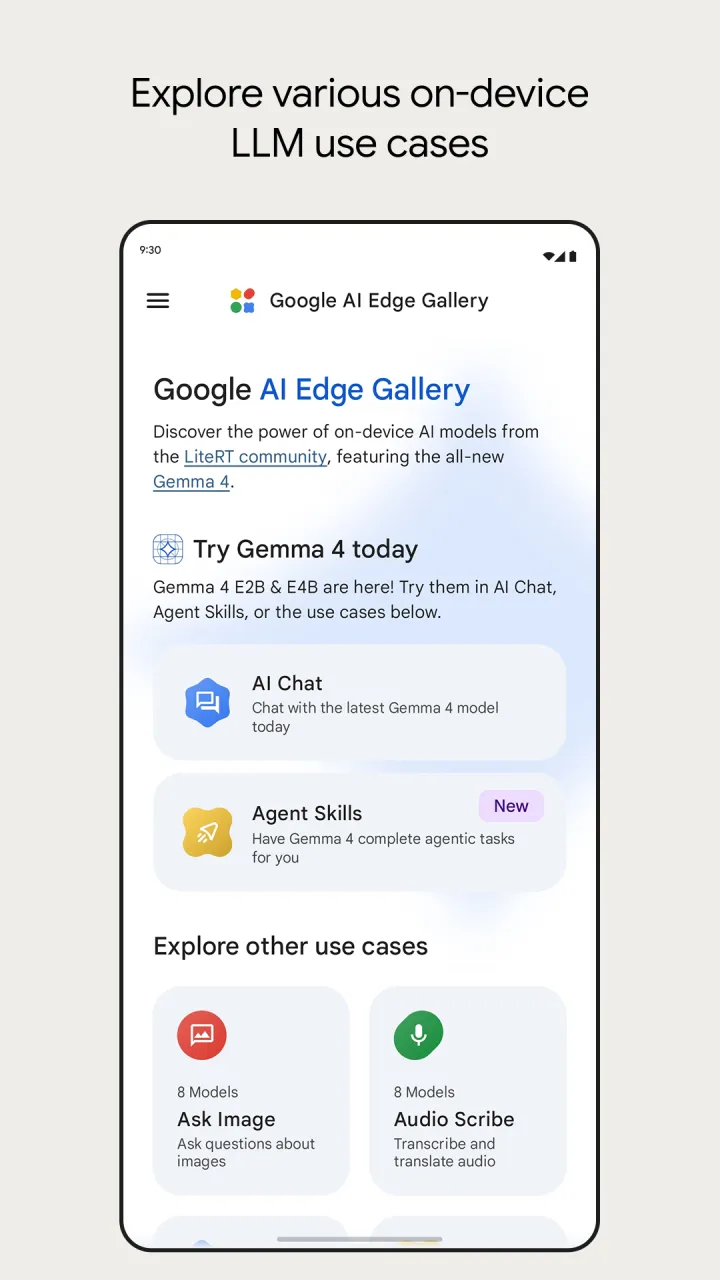
3. Google AI Edge Gallery — simplest (iOS & Android, free)
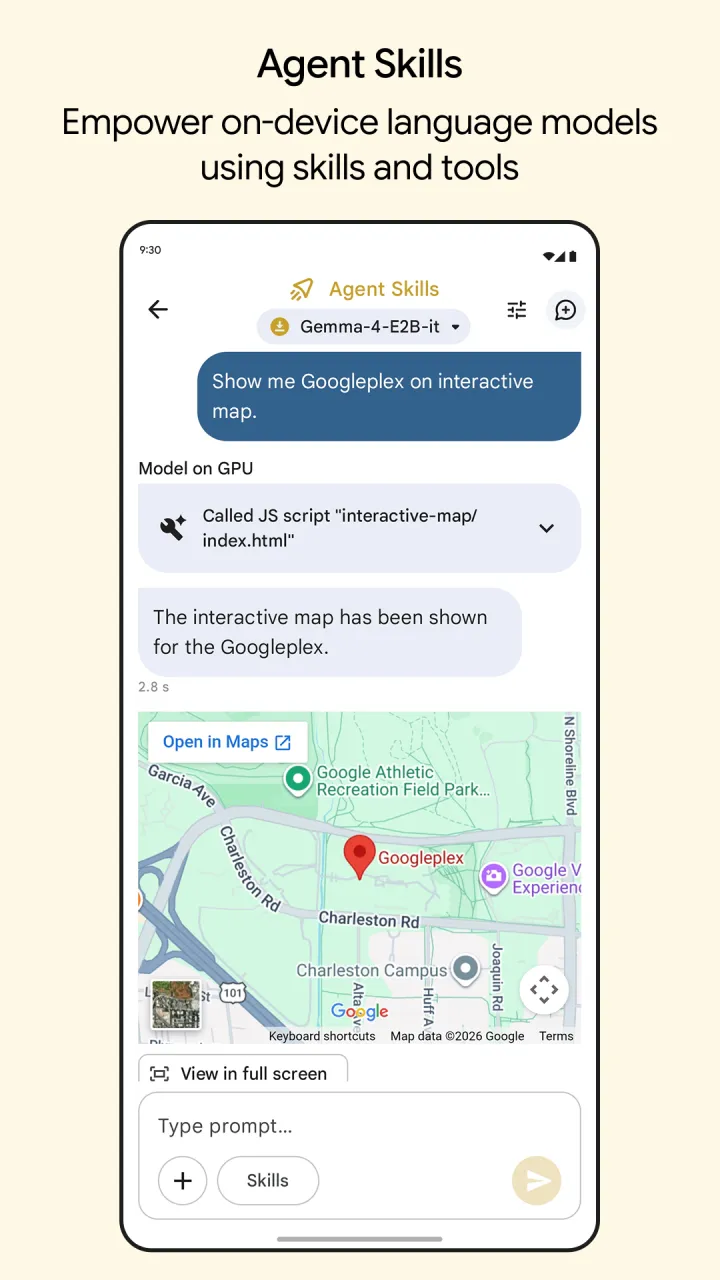
Google's official on-device AI app has grown up fast: the Android version moved from sideloaded APK to the Play Store in September 2025, and an iOS version shipped in February 2026 (there's even a macOS build). Zero configuration, with Gemma models as the headline. It's no longer only Google's menu either: you can load your own models in LiteRT format, and there's audio transcription plus early agent features. Note it uses LiteRT models, not the GGUF files the other open-source apps share.
Get it: GitHub · App Store · Google Play
4. SmolChat — minimalist (Android, free, open-source)
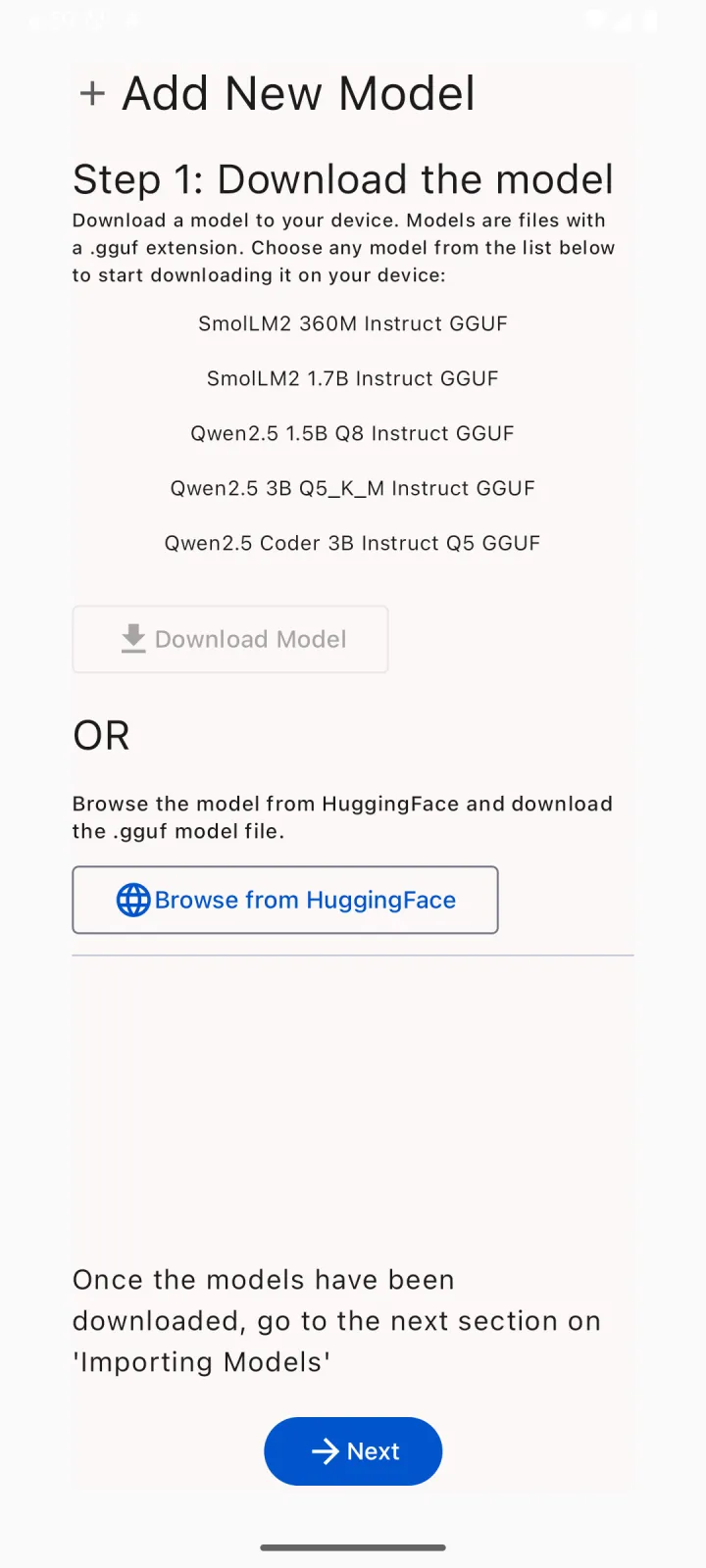
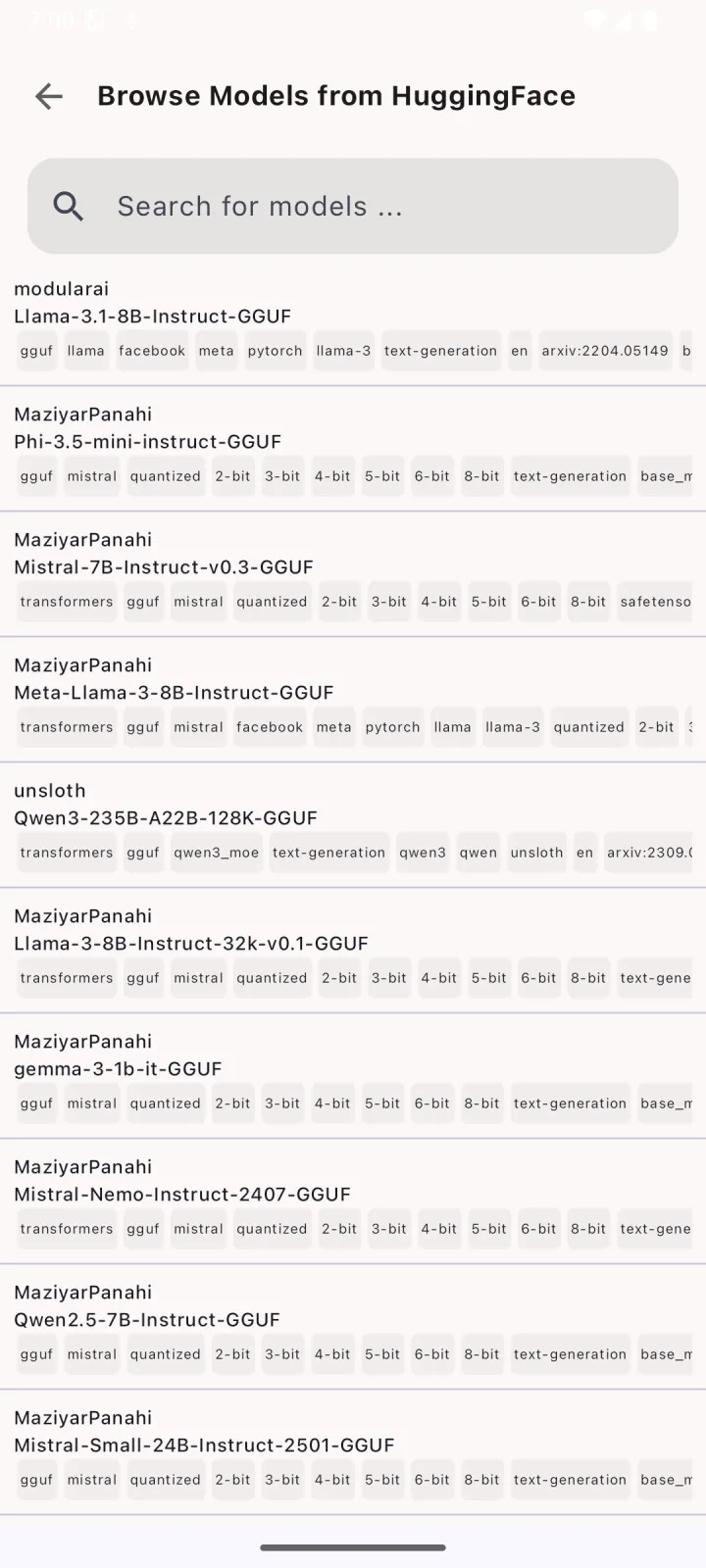
Lightweight wrapper around llama.cpp, focused on small models. Good on older/mid-range phones where heavier apps stutter, and it has quietly gained speech input (Moonshine ASR) and system-prompt saving while staying minimal. Now on the Play Store as well as GitHub releases.
Get it: GitHub · Google Play
5. Private LLM — paid, polished (Apple platforms, one-time purchase)
Buy once and it runs on iPhone, iPad, Mac, and even Vision Pro (an early Android beta exists as a direct APK). Curated catalog of 140+ models (DeepSeek R1 Distill, Llama 3.x, Qwen, Phi-4, Gemma) running on its own mlc-llm-derived engine with OmniQuant quantization, which the developer argues beats standard GGUF quants at the same size. The flip side: you pick from its catalog, you can't sideload arbitrary GGUF files. Pick this if you want zero fiddling on Apple hardware and don't mind paying (a few dollars, one-time; the price moves around).
Open-source health check
Four of the five are open-source, so you can judge them the way you'd judge any dependency: stars, license, and whether the maintainers are still shipping. GitHub metrics as of July 18, 2026:
| App | Stars | License | Commits (past 6 mo) | Releases (past 6 mo) | Latest release |
|---|---|---|---|---|---|
| Google AI Edge Gallery | 24.2k | Apache-2.0 | 242 | 7 | 1.0.16 · Jun 23 |
| PocketPal AI | 7.6k | MIT | 342 | 19 | v1.16.1 · Jul 7 |
| ChatterUI | 2.6k | AGPL-3.0 | 58 | 9 | v0.10.0-beta3 · Jul 14 |
| SmolChat | 866 | Apache-2.0 | 22 | 4 | v16 · Jun 21 |
All four are actively maintained; none is abandonware. PocketPal ships the most often, while SmolChat moves slowly but steadily, which fits its minimalist scope. (Private LLM is closed-source, so it has no public repo to audit; it was updated on the App Store in July 2026.)
Which model should you load? (by phone tier)
The app is the shell; the model determines quality and speed. Match the model to your RAM:
| Your phone | RAM | Load this | Expect |
|---|---|---|---|
| 2024-25 flagship (S24/S25 Ultra, iPhone 16/17 Pro, OnePlus 13) | 12-24GB | Qwen3 8B Q4 or Gemma 3 12B Q4 | Strong answers, ~4-7 tokens/s |
| 8GB flagship (iPhone 16, Galaxy S24) | 8GB | Qwen3 4B Q4 / Gemma 3 4B Q4 | Good answers, ~9-14 tokens/s |
| Mid-range 2023+ (Redmi Note 13 Pro, Pixel 8a) | 6-8GB | Llama 3.2 3B Q4 / Phi-4 Mini | Solid for chat, ~10+ tokens/s |
| Older / 6GB phones | 4-6GB | Qwen3 1.7B / Llama 3.2 1B | Basic but genuinely useful |
(For per-device compatibility, use the phone checker.)
Setup in 3 steps (PocketPal example)
- Install PocketPal from the App Store / Play Store
- In-app model browser → search the model from the table above → download the Q4_K_M file
- Turn on airplane mode and ask it something. That's the whole point.
How we checked
Every fact on this page was checked on July 18, 2026, against each project's repository and release notes, its App Store and Google Play listings, and the developer's official site. GitHub metrics come from the GitHub API on the same day. Speed figures are formula estimates, not lab tests; the methodology page explains how we separate estimates from verified measurements, and the about page covers who runs this site.
FAQ
Is offline AI as good as ChatGPT? No. A 4B model is not GPT-class. It's good enough for drafting, summarizing, translation, and Q&A, and it's yours. For hard reasoning you'll still want a cloud model.
Does it drain the battery? Generation is heavy: expect noticeable warmth and battery drain during long sessions. Short bursts are fine.
Is it really private? Local inference can keep prompts and responses on-device, but downloads, updates, crash reporting, and optional features may still use the network. Review the current app settings and privacy policy.
Screenshots are official images from each project's repository or store listing; sources and licenses are noted under each one.